Gyms & studios
Members look up between sets.
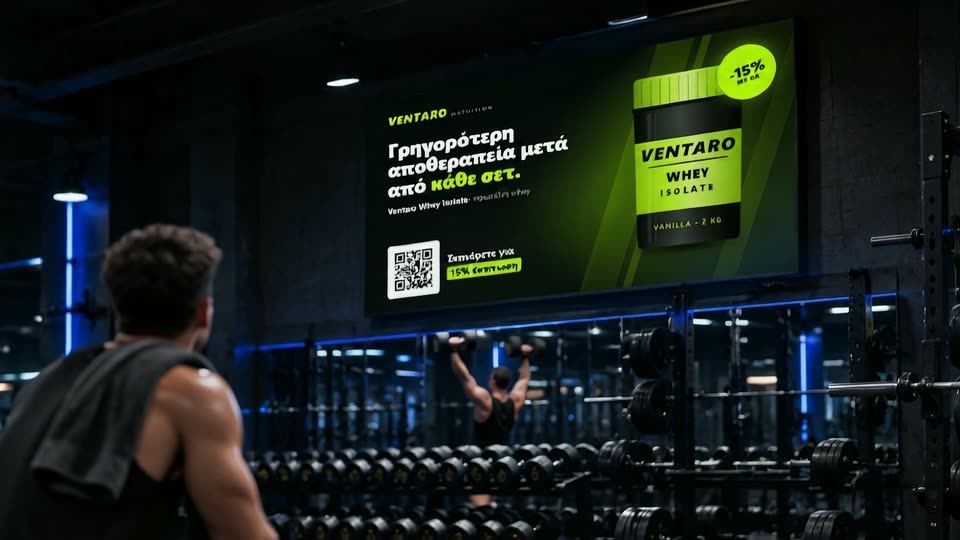
SupplementsSportswearQR discount codes
AdPlay runs all your advertising screens from one dashboard. Change what plays from a browser or your phone, prove every play, and count every QR scan, screen by screen.
Built for every place people wait, train or travel
Updating screens by USB stick means a trip for every change and no record of what played. With AdPlay you upload a video, set the order and the schedule, and every screen picks it up on its next check-in.
Swap an ad on one screen or across the whole network. Screens check in every minute, so your change is on air within about a minute.
AdPlay converts it into a screen-ready file automatically. You watch the upload and the conversion progress as they happen.
The dashboard runs in the browser, on a laptop or a phone. Screens pair with our Android app, so your office never installs a thing.
Plug a small AdPlay player into any screen with an HDMI input.
A fully Greek interface, built by a team in Greece.
Create an account for each client, with separate roles for your installers. Each client sees only their own ads and statistics.
Match the ad to the room. A gym member between sets and a passenger on a long coach ride want different things, and AdPlay lets every screen show what fits.
Members look up between sets.
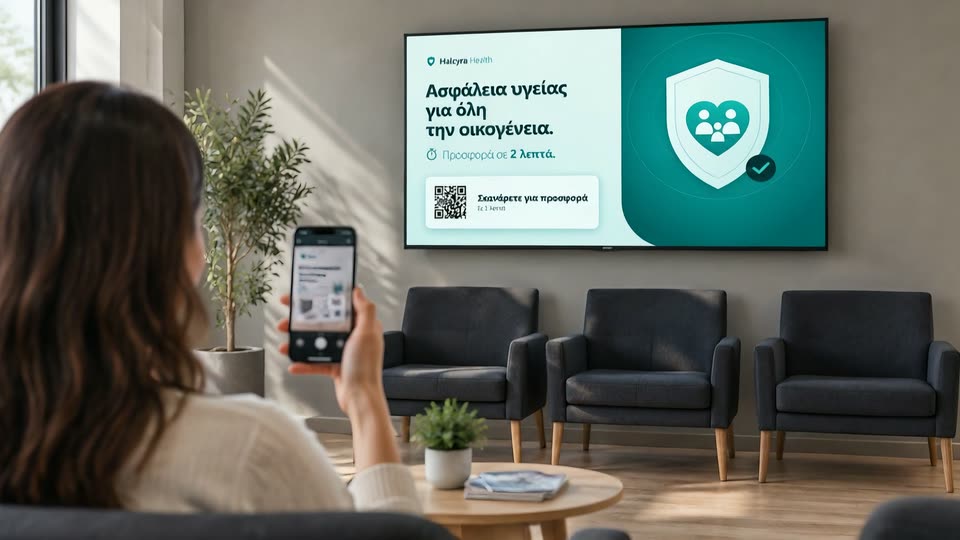
Waiting time becomes attention time.
Vertical screens behind the counter and at the entrance, right where people choose.
Vertical screens: coming soon
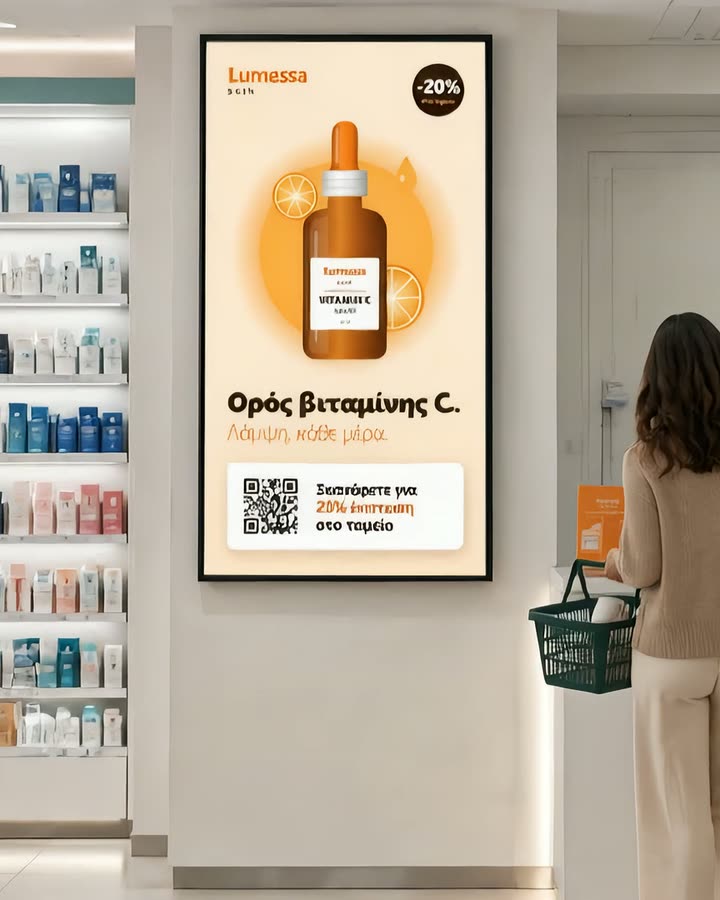
No prescription-medicine ads, as EU rules require.
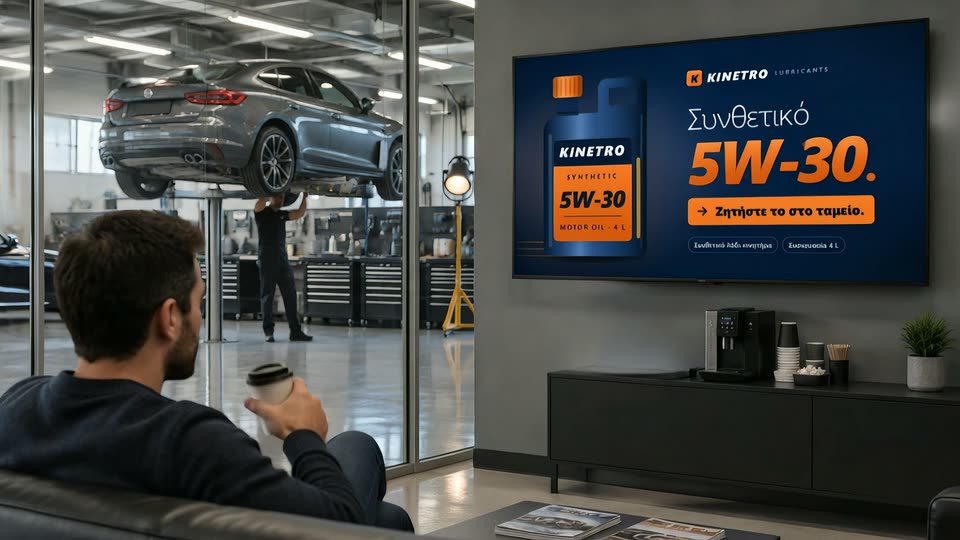
Drivers wait while the work gets done.
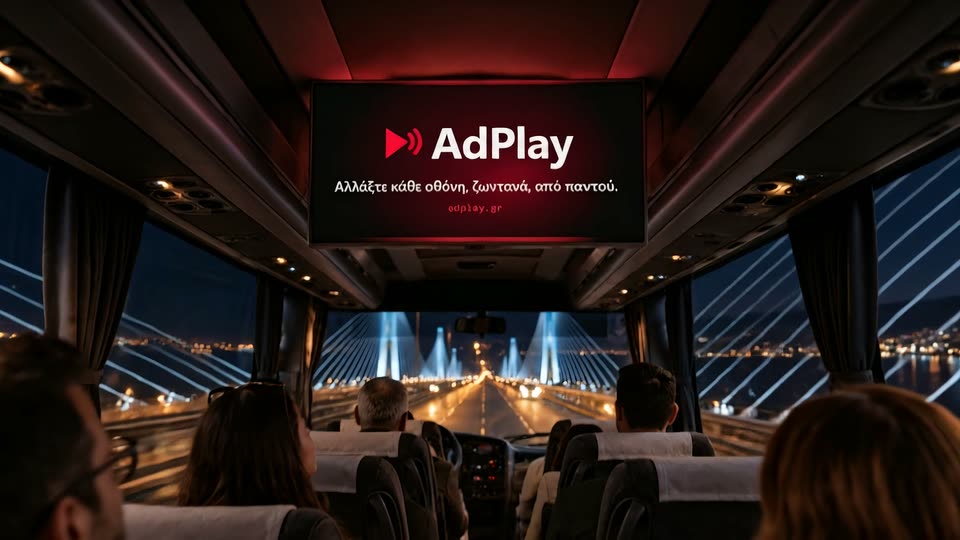
Passengers sit facing the screen for the whole trip.
Vertical screens by the lifts, with offers that change by the hour.
Vertical screens: coming soon

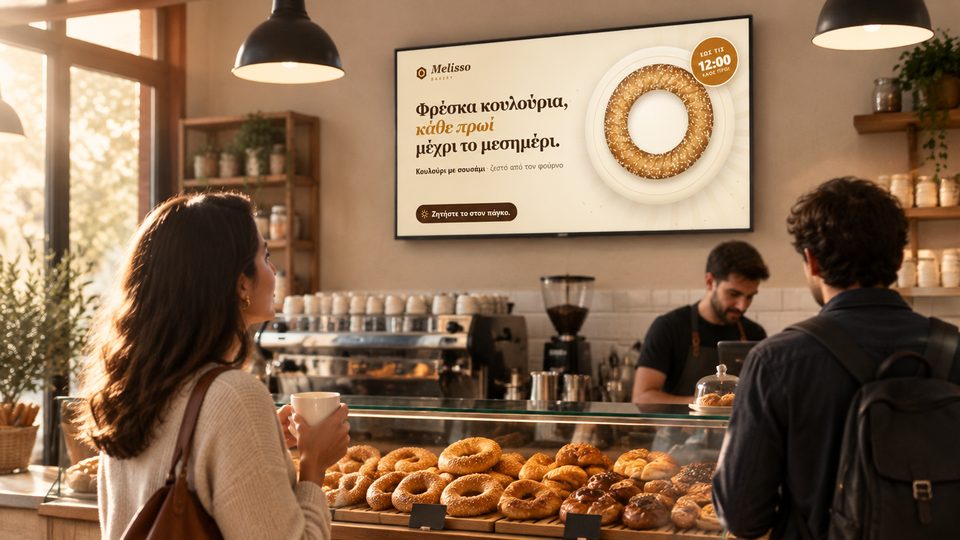
Customers linger over coffee and notice the offers nearby.
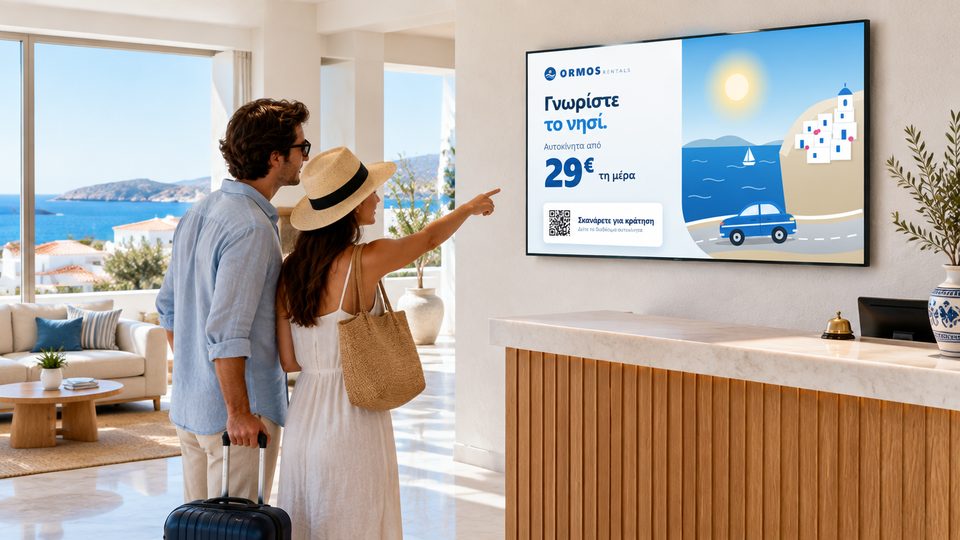
Guests look for ideas while they plan their day.
Travellers have a few minutes to spare before they leave.
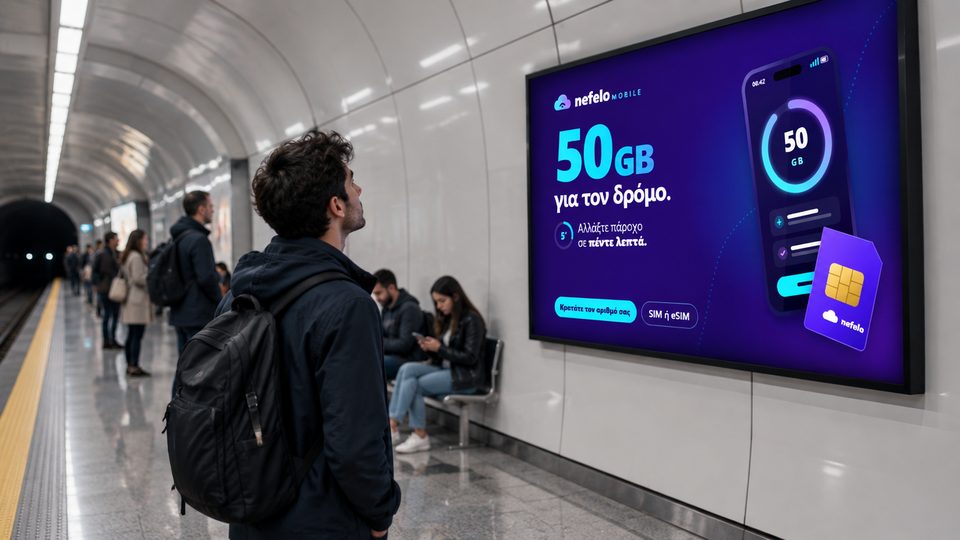
Staff and visitors walk past every working day.
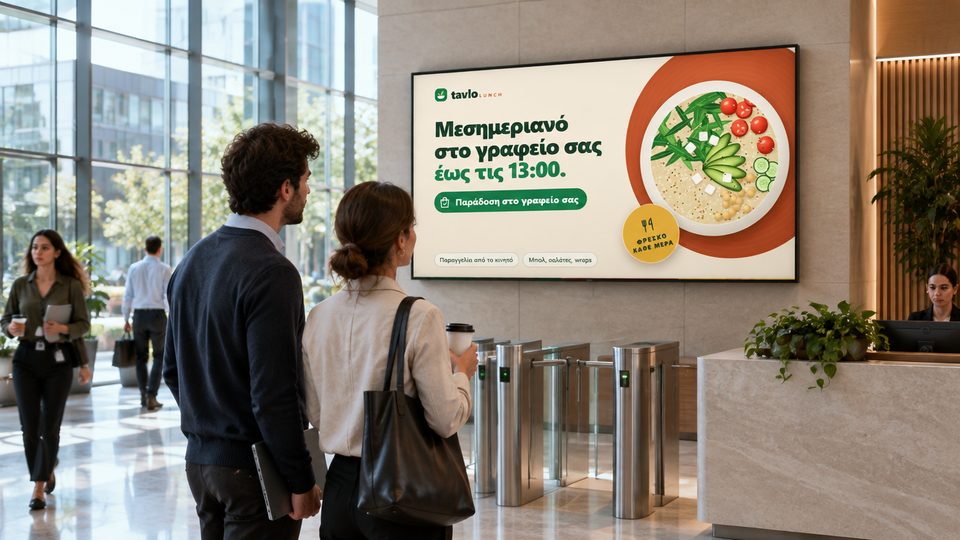
Every play is recorded per screen, location and ad. With the next player update, each screen will also show its own QR code, so you can see which screen brought in a scan and which scans turned into sales.
See where each ad played and how often, screen by screen, then export it to CSV for your advertisers.
Add a link to an ad and each screen shows its own QR code for it, pointing to a short adplay.gr address.
Purchases and sign-ups reported by the advertiser's site, through a pixel or a server postback, are counted per screen and location.
Links carry UTM tags for the advertiser's own analytics. No personal data is stored.
Give passengers a reason to look up, with content that updates itself.
Weather for the towns along the route, from MET Norway data, refreshed every hour. Place it in a sequence or every few ads.
The stops of the route on screen between the ads, taken straight from the route on your map.
City buses, intercity coaches and company vehicles get the same live control as a shop window, plus what a moving screen needs.
Each vehicle's route is drawn on the map with its stops, right next to your fixed screens.
An optional 4G module keeps the screen connected from town to town.
Every ad is stored on the screen, so it keeps playing through tunnels and dead zones and catches up when the signal returns.
Show the weather along the route and ads for the destination.
Every screen keeps playing on its own.
If a player ever freezes, a hardware watchdog restarts it automatically.
Signed updates arrive over the air and roll back by themselves if something fails.
Fixed screens restart once at night to stay fresh. Screens on vehicles never do, so no trip is interrupted.
Book screens by time of day and date, with a daily price for each screen location. Or describe the campaign in one sentence and review the plan the AI assistant drafts for you.
Most screens use the Wi-Fi that's already there. On a coach, at a remote stop or in a pop-up store, add the optional 4G module and the screen connects by itself.
Our app hands the screen your Wi-Fi over Bluetooth, and it appears in your dashboard.
Add a 4G module and the screen brings its own connection, without new cabling or a call to IT.
If the connection drops, the screen keeps playing from its cache and catches up the moment it's back.
Wi-Fi or 4G, one screen or a whole fleet, every screen shows up in the same dashboard, ready to control.
Talk to us about coverageAny display, any location. Mount it and power it on.
Our Android app hands the screen its Wi-Fi over Bluetooth. It shows up in your dashboard by itself.
Pick what plays and publish. Your team needs nothing but a browser.
The screen pairs over Bluetooth with our Android app, then appears in your dashboard.
Yes, any screen with an HDMI input works. You add a small AdPlay player card to it, pair it with our Android app, and it appears in your dashboard.
Every ad is stored on the player, so the screen keeps playing and reports its plays when it reconnects. Vehicles can use the optional 4G module.
Pairing uses our Android app over Bluetooth, so that one step needs an Android phone. After that, the dashboard works in any browser, on any phone or laptop.
With the next player update, each screen will show its own QR code, which opens a short adplay.gr link and forwards to the advertiser's page with UTM tags. The advertiser's site can report purchases or sign-ups back through a pixel or a server postback. No personal data is stored.
Yes. Create a client account for each advertiser. They see only their own ads, plays and scans, and you can export proof of play to CSV.
It depends on the number of screens and whether you need the 4G module. Book a demo and we'll send a quote for your network.
Venue owners, fleets, agencies, resellers and advertisers: send a few details and we'll reply within one working day.
Three quick steps, no obligation.
Our team gets back within one working day.